
Who it’s built for
Who DataRestro is for
DataRestro is early, so this page has no customer logos or testimonials. It shows the kinds of restaurant we design for, what a service looks like on the system and how onboarding works.

Eight types of restaurant we design for
Pick the closest to yours to see which parts of DataRestro it relies on most.
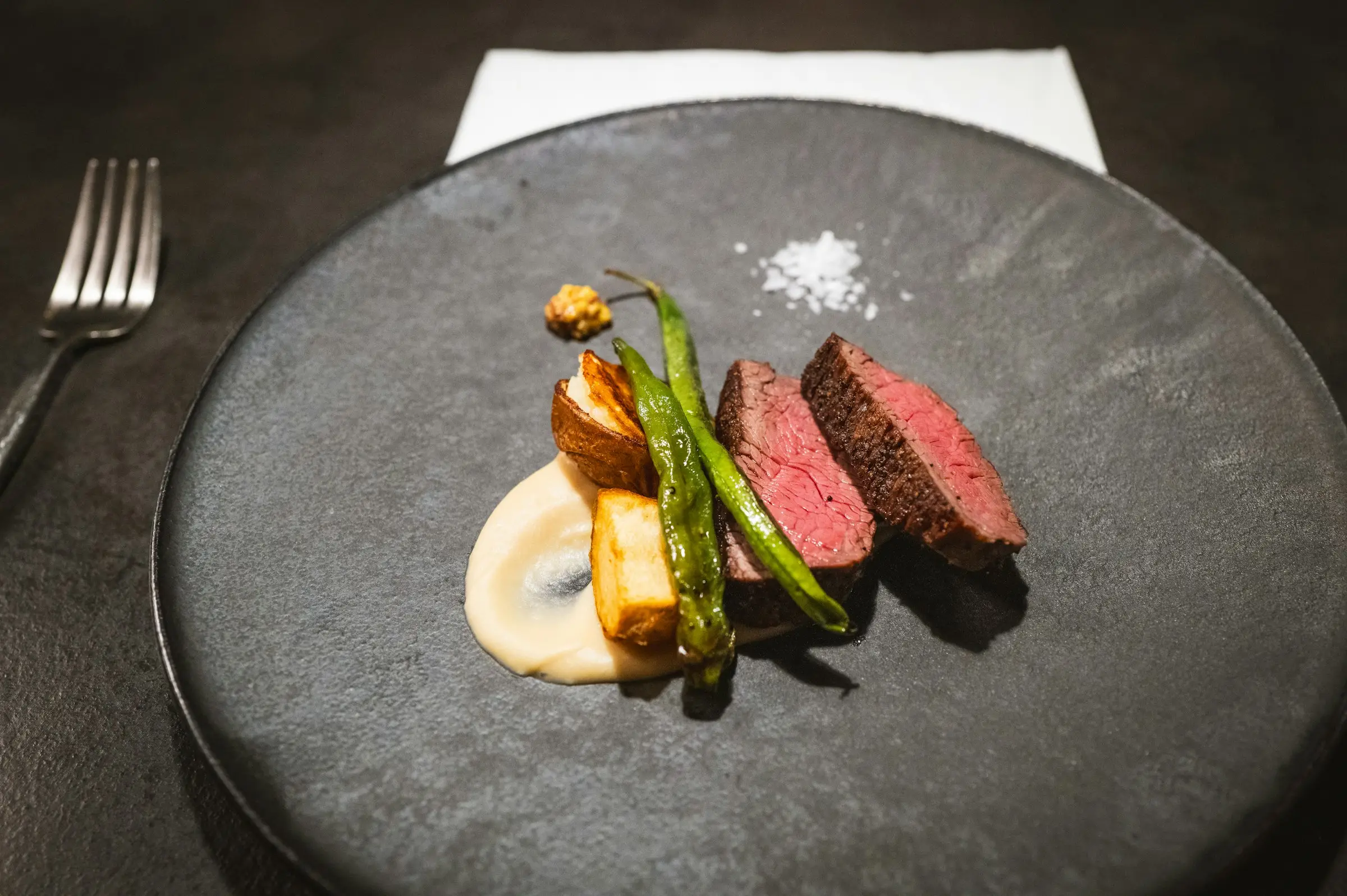
Fine dining
Paced covers, allergy modifiers, a pass that sees the whole table.
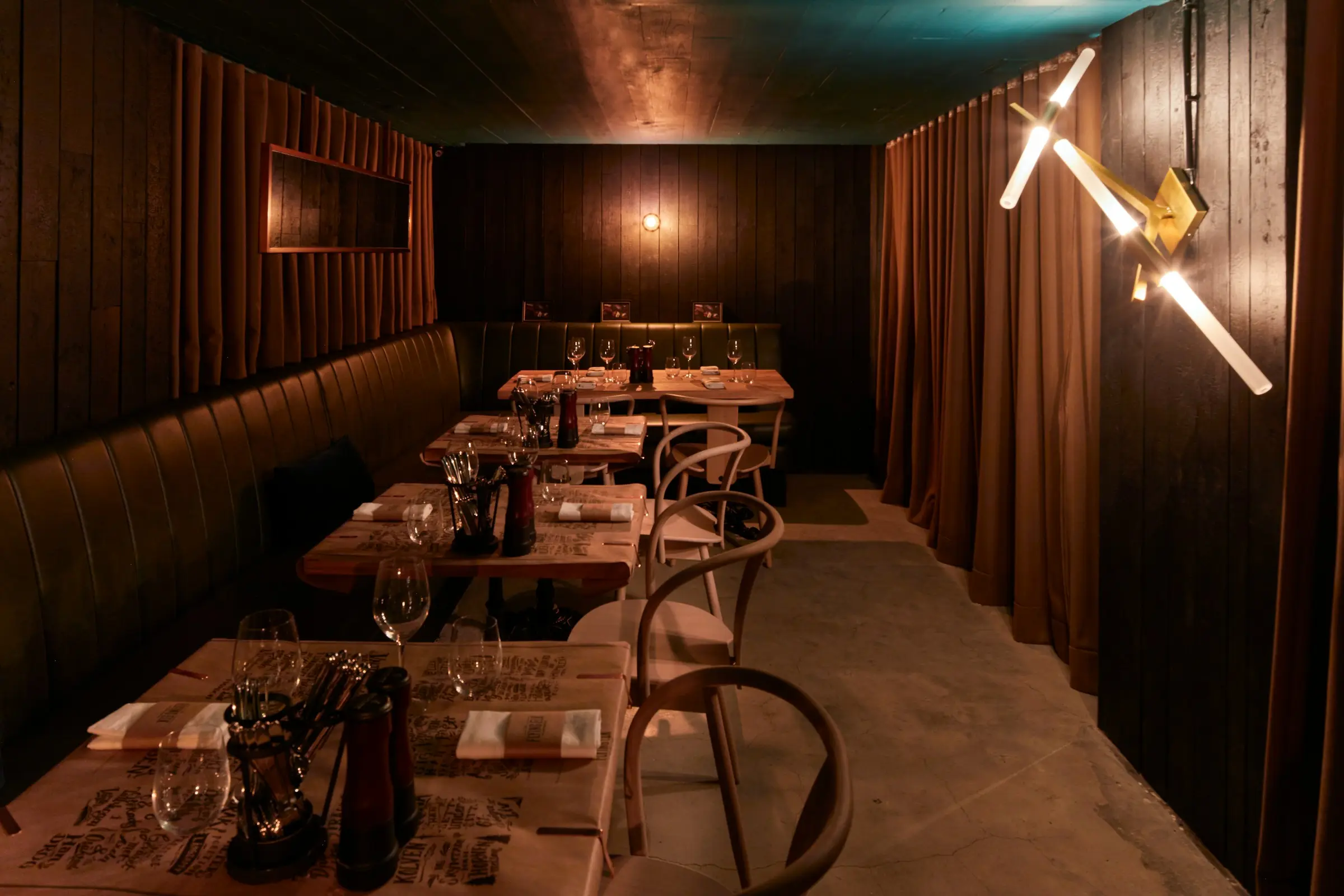
Casual & modern
Fast turns, QR ordering, split bills without arithmetic.

Cafés
Modifiers by the dozen, loyalty regulars, a quick counter.

Quick service
Speed at the till, station routing, stock that moves by the minute.

Bakeries
Recipes costed by the gram, waste logged every evening.

Bars
Tabs, pour costs, a bar station that never sees the food.
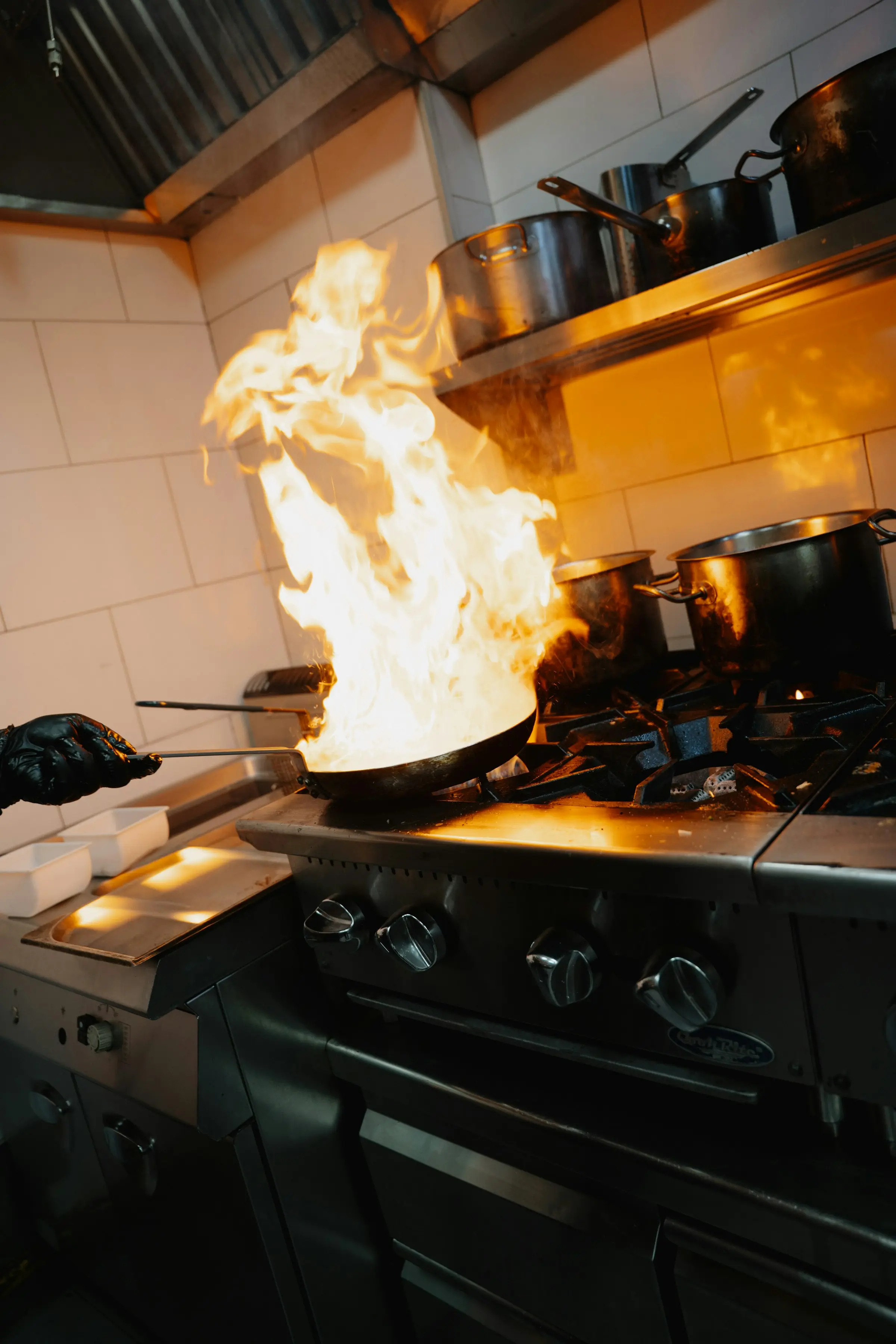
Cloud kitchens
Many brands, one line, one stock ledger.

Multi-brand groups
Branches, per-branch reporting, one set of books.


A service, minute by minute
A sample evening, hour by hour
The restaurants in this example are invented. The product behaviour is real, and each step shows whether the feature it relies on is available, partial or planned.
A 60-cover momo and Newari house in Kathmandu
Illustrative restaurant, not a customer
- 17:40
Kitchen lead receives 8 kg of chicken mince against Tuesday’s purchase order.
Stock moves on receipt; the new price updates plate cost as a weighted average.
Available - 19:05
Table 12 scans the QR code and orders two plates of jhol momo and a sekuwa.
The server prices the order; the phone never sends a price. Tickets land on the hot-line and tandoor screens.
Available - 19:40
Buff momo runs out. The manager marks it unavailable.
POS and QR ordering both refuse it from that moment. Menus already open on guest phones only catch up on reload.
Partial - 20:15
The internet drops for six minutes. The counter keeps taking takeaway orders.
Orders queue on the terminal and replay once, with no duplicates. The kitchen screen waits for the line.
Partial - 21:30
A party of eight splits the bill four ways: two card, one Fonepay, one cash.
Each tender recorded against the bill; the cards were run on the restaurant’s own terminal first.
Available - 23:10
Close. The drawer is counted short by NPR 200 and the reason is written down.
Expected vs counted, with the difference and its reason kept on the shift.
Available
The early-partner programme
We are looking for a small number of restaurants, in Kathmandu and beyond, to run real services on DataRestro and tell us bluntly what gets in the way.
What you get
- Hands-on setup: we build your menu, recipes and roles with you.
- A direct line to the people writing the code.
- Your worst service problem near the top of the roadmap.
What we ask
- Run at least one real service a week on DataRestro.
- A 30-minute call every fortnight: what broke, what was slow.
- Patience with the parts that are still on the roadmap. We will always tell you which those are.
How onboarding works
Six steps from your current till to running service on DataRestro. Each step is marked to show what the software does and where we help by hand.
- Step 1Done with us
Conversation
How you run service today, what you pay for, what breaks. If DataRestro is the wrong fit yet, we say so here.
- Step 2Partial
Menu and recipes
Categories, items, variants, modifiers, then recipes for your top sellers. Entered together in the app.
Spreadsheet (CSV) import for menu, customers and ingredients is on the roadmap.
- Step 3Available
Roles, tables, QR
One account per person, the smallest role that does the job. Floor plan drawn, QR codes printed.
- Step 4Available
Mock service
Staff order for each other, the kitchen cooks from the screen, every tender type is taken, the network cable is pulled.
- Step 5Partial
Go live, side by side
First services with your old till still in the corner. In Nepal, approved billing software stays in place for tax invoices unless and until DataRestro is approved.
DataRestro is not yet IRD-approved; its CBMS reporting awaits validation.
- Step 6Available
Month-one review
Food cost, waste and the drawer against what you expected. Adjust recipes, prices, roles.